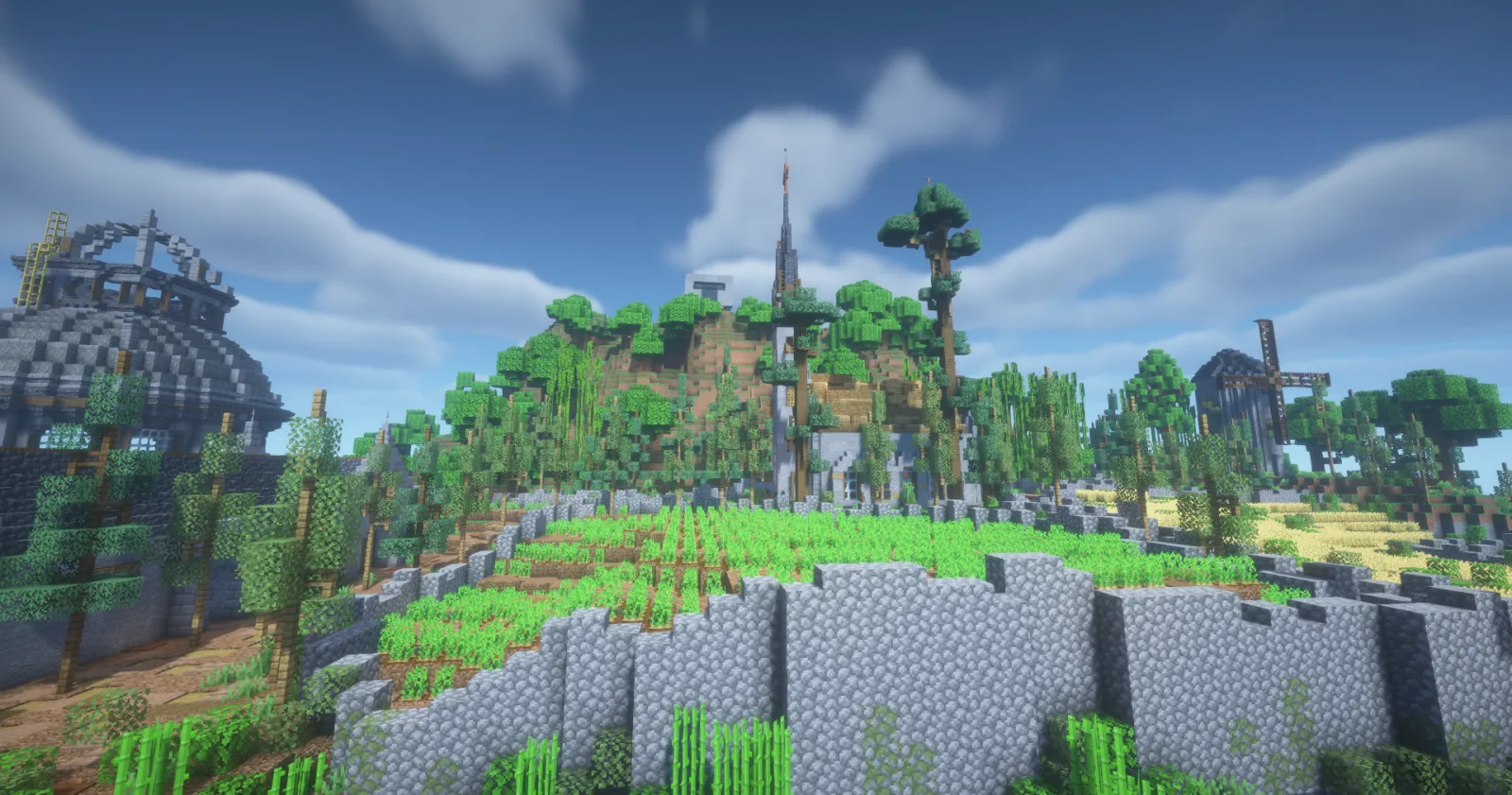

Minecraft Java
For survival worlds, small communities, plugin and modded runtimes, and long-running maps.
- Plugins and mods
- World files
- Co-admin access
Managed game server hosting
Choose a game profile, tune the resources, then run the live server from a panel built around backups, logs, files, restarts, and co-admins.
Open panel →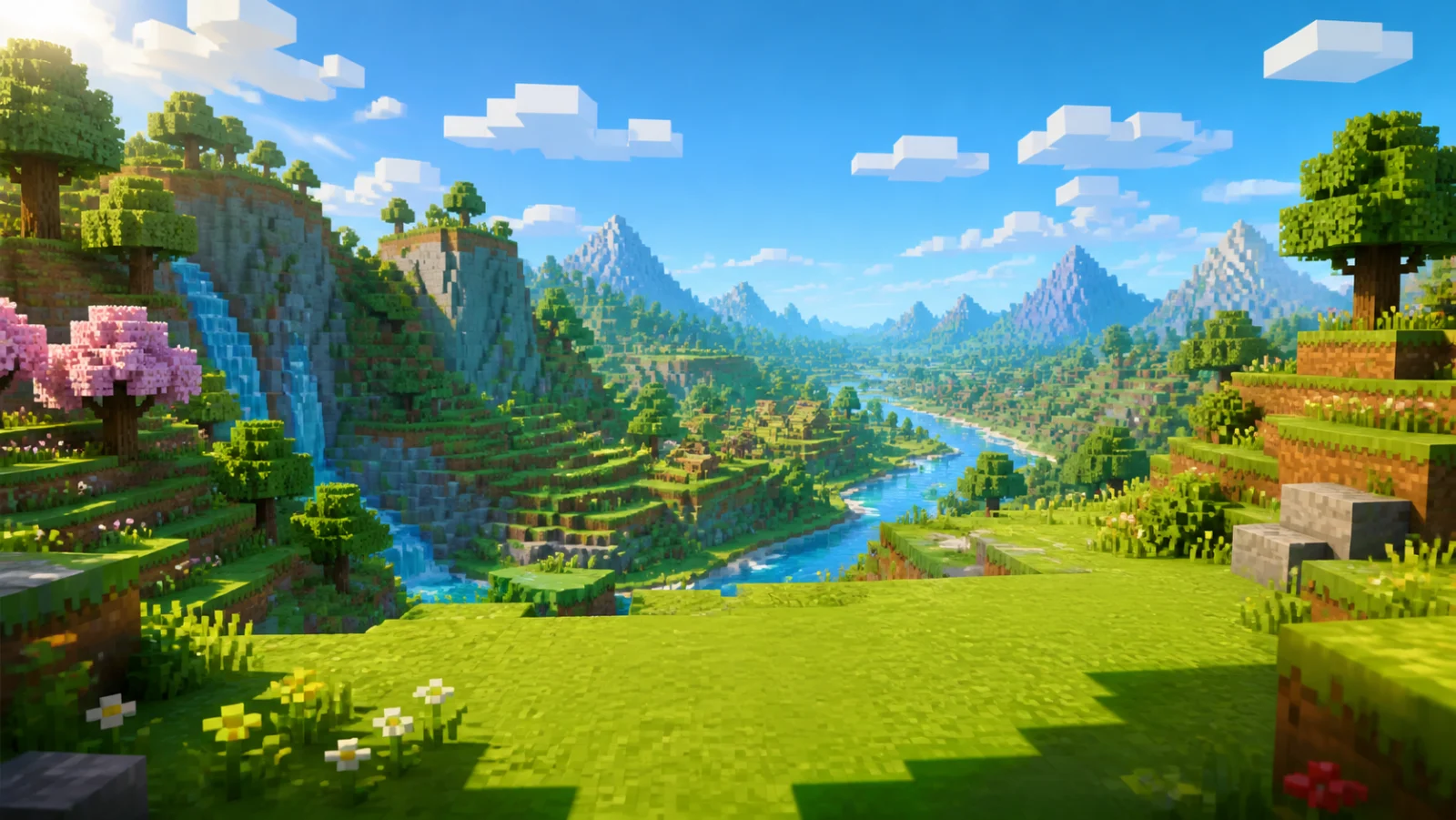
✓7, 30, or 90 days of server time
✓Manual and scheduled backups
✓Co-admin access
Start here
Start with the game profiles available today. More can join the catalog without changing how you configure, buy, or manage a server.
For survival worlds, small communities, plugin and modded runtimes, and long-running maps.
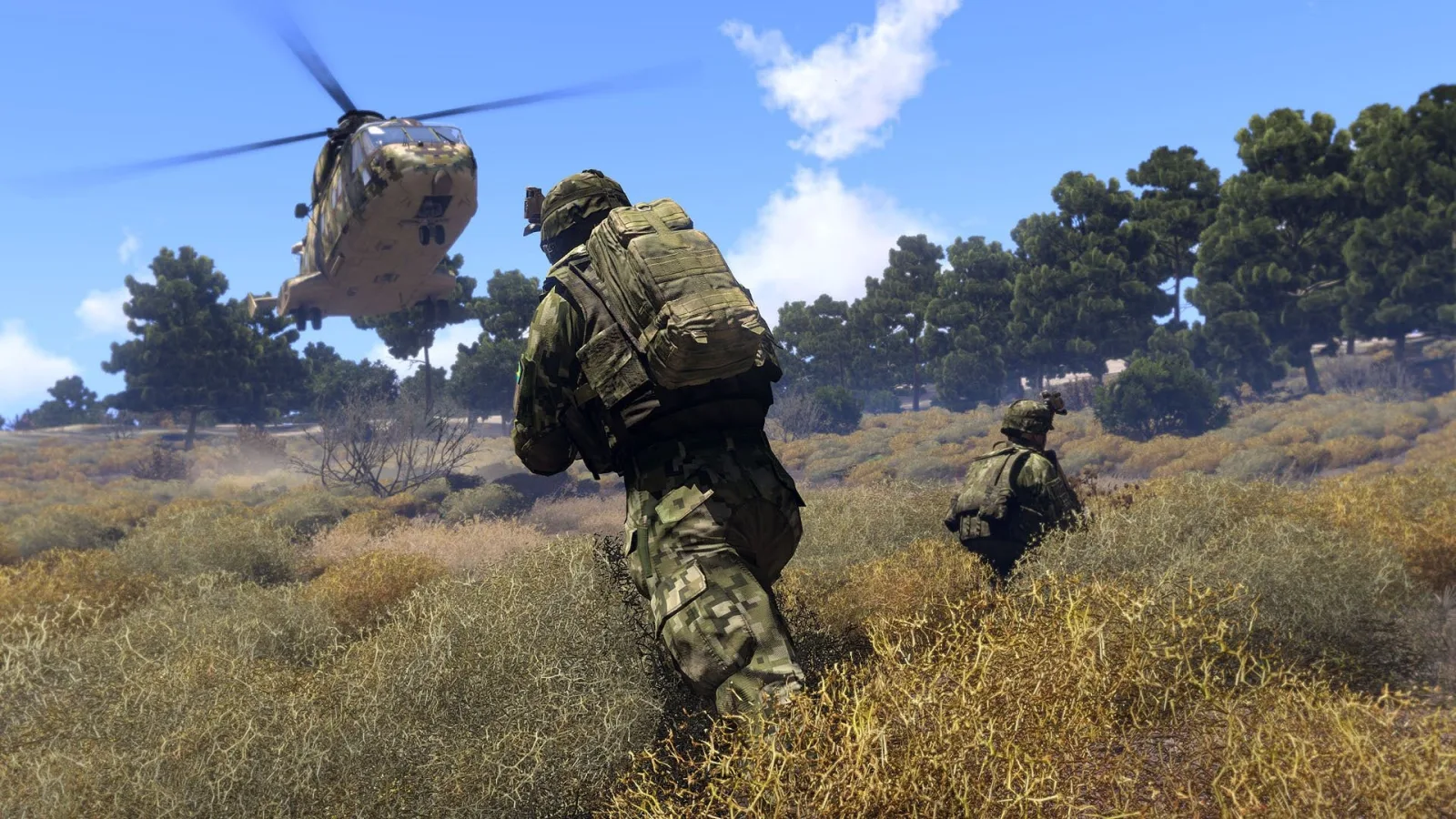

For squads and units that need a dedicated profile, Workshop mod presets, and visible mission-night logs.
After checkout
A server is only useful when the owner can see what happened, change what broke, and invite someone else to help without sharing an account.
Follow live logs, send commands, and verify a restart without bouncing between tools.
Keep worlds, configs, presets, and runtime choices attached to the same server.
Invite trusted admins so game-night fixes do not depend on one person being online.
Create backups on demand or schedule them daily or weekly. Keep up to five restore points per server.
Flow
Start with Minecraft or Arma 3 from the homepage.
Tune RAM, CPU, and storage on the game configurator.
Log in, name the server, and choose runtime details.
Use console, files, power controls, and team access together.
Start with a game profile now. Keep the messy operational work inside the rocketspace.cc panel.